
Recovered Passwords
The Recovered screen is the cluster potfile, a single, live inventory of every password recovered across all your jobs and all your rigs. New cracks appear here as they land, so it stays current without a refresh.
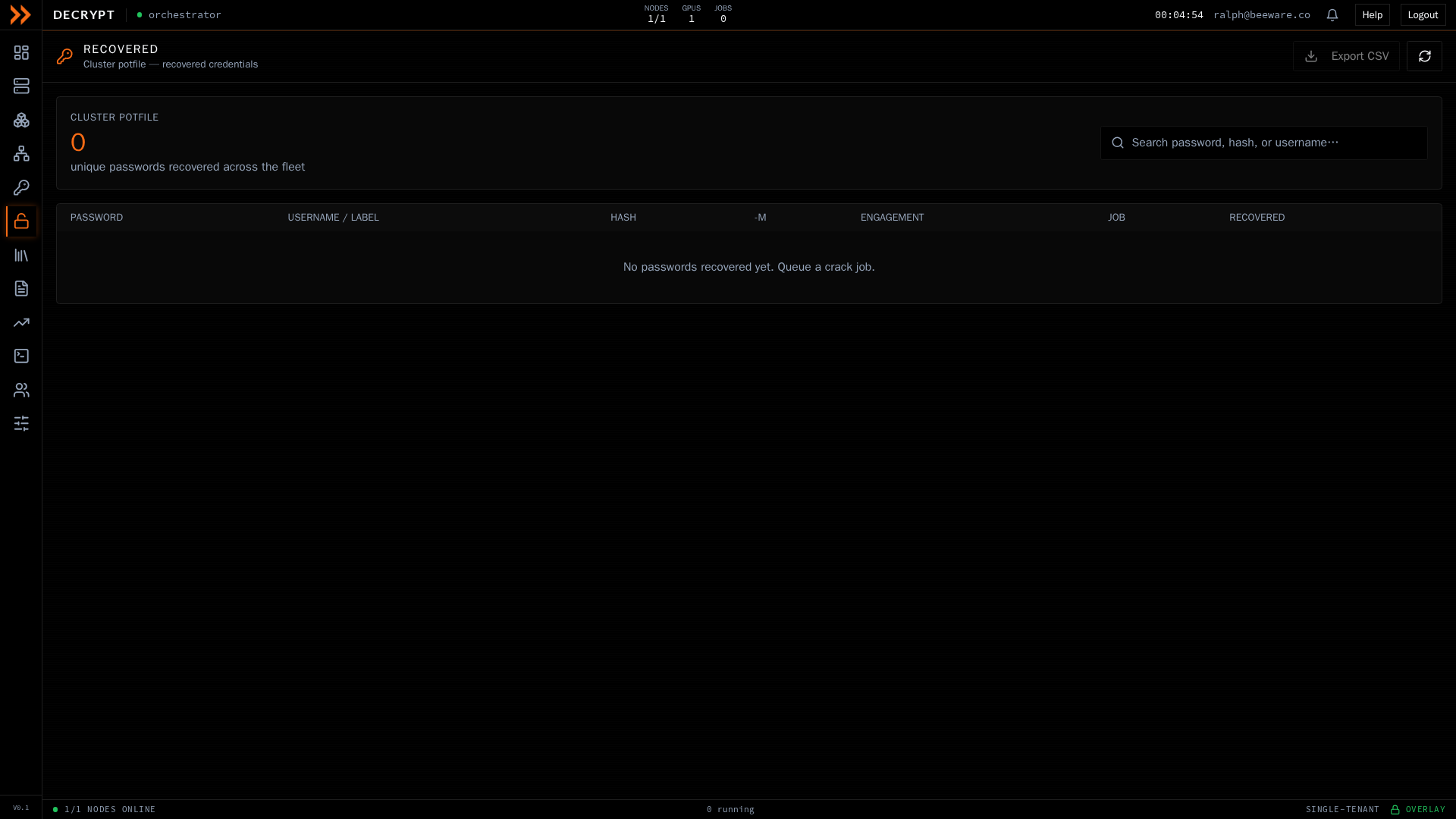
The cluster potfile, with every recovered credential, newest first
The cluster potfile, with every recovered credential, newest first
At the top, a summary card shows the total number of unique passwords recovered across the fleet. Below it, the table lists each recovered credential with its password, the username or label it belongs to, a shortened form of the hash, the hash mode, and the engagement and job it came from, along with when it was recovered. The newest results are shown first.
Searching and exporting
Section titled “Searching and exporting”Use the search box to filter across passwords, hashes, and labels as you type. The table shows the newest results at a time; when there are more than fit, a note tells you to refine your search or export the full set.
Click Export CSV to download the complete filtered result set, not just the visible rows. The export includes the hash, plaintext, mode, label, engagement, and the time each entry was recovered.
Usernames are separated from hashes when a dump is ingested. Only the account label supplied in the dump is paired back to a cracked password, so results stay tied to their engagement.
Related documentation
Section titled “Related documentation”- Crack Jobs - Queue a job to start recovering
- Reports & Trends - Summarize recoveries for a client