
ARROW Decrypt Overview
ARROW Decrypt is the password-recovery console of the ARROW suite. You use it to run authorized password audits. Feed it the password hashes from an engagement, choose how hard to attack them, and it drives hashcat across your GPU cluster to recover the weak ones. Everything happens from one browser console - queuing jobs, watching rigs, reviewing what cracked, and packaging the results for a client report.
It is built for authorized work only. Every recovered password is scoped to the engagement it came from, usernames are separated from hashes on the way in, and every action is written to an audit log.
What you can do with it
Section titled “What you can do with it”- Queue crack jobs against a hash dump and watch them run live across every GPU in the fleet.
- Add on-prem GPU rigs, or rent cloud GPUs by the hour to hit a deadline.
- Keep a shared wordlist library that syncs to every rig automatically.
- Browse the cluster potfile of everything recovered so far, and export it.
- Turn a finished engagement into an audit report, and track password trends across engagements.
- Manage your team, their roles, and two-factor requirements.
The dashboard
Section titled “The dashboard”The dashboard is where you land after signing in. It answers one question fast. Is the fleet healthy and what is it doing right now?
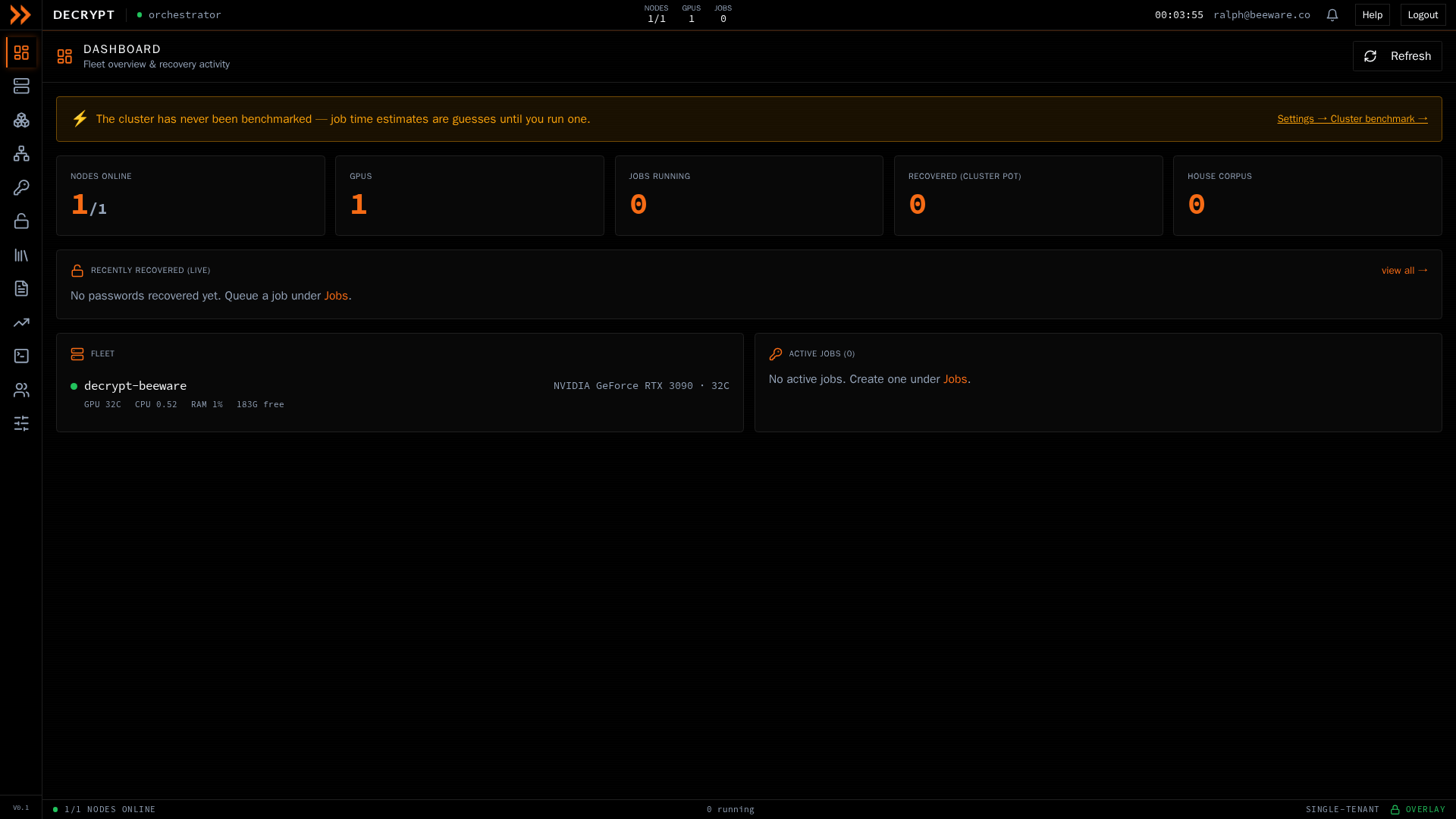
The dashboard, with fleet health, recent recoveries, and active jobs at a glance
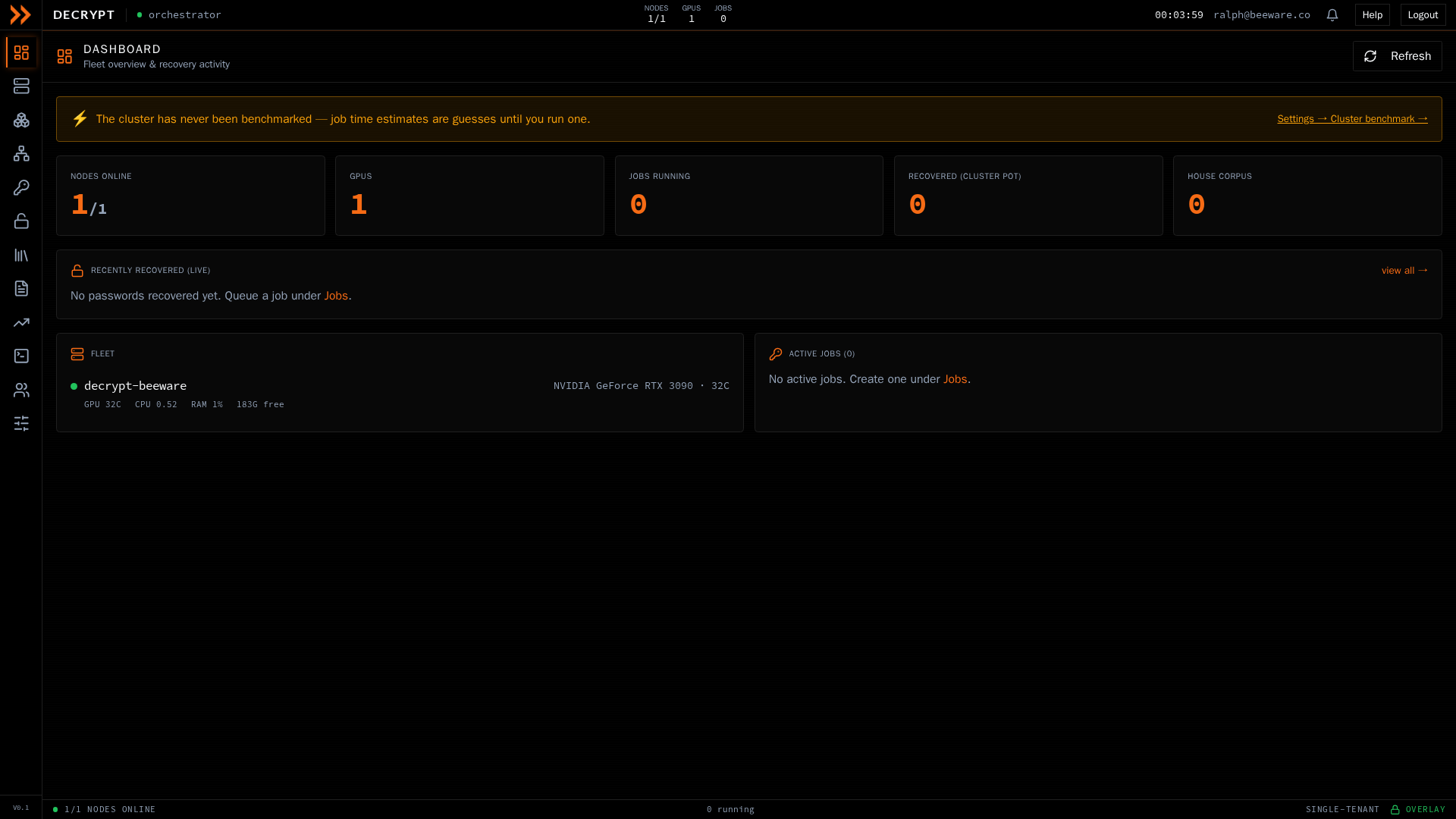
The dashboard, with fleet health, recent recoveries, and active jobs at a glance
A row of stat cards runs across the top:
| Card | What it shows |
|---|---|
| Nodes online | How many rigs are up, out of the total registered |
| GPUs | Total GPUs across the whole cluster |
| Jobs running | How many crack jobs are active right now |
| Recovered (cluster pot) | Total passwords recovered across every engagement |
| House corpus | Size of the shared password corpus built from past cracks |
Below the cards, Recently recovered (live) streams the newest cracked passwords as they land, the Fleet panel lists each node with its GPU model, temperature, and load, and Active jobs shows anything running with its progress.
If you see a banner reading that the cluster has never been benchmarked, run one from Settings. Until you do, job time estimates are rough guesses rather than measured numbers. Use the Refresh button in the top right to force an update at any time; the dashboard also refreshes on its own.
Finding your way around
Section titled “Finding your way around”Everything lives behind the icon rail down the left side. Each icon opens one section.
| Section | What you do there |
|---|---|
| Dashboard | Fleet overview and recovery activity |
| Nodes | GPU rigs, their health, and onboarding new ones |
| Cloud | Rent ephemeral GPUs from vast.ai for a burst |
| Cluster | Cluster members, the elected leader, and replication |
| Jobs | Create crack jobs and review results |
| Recovered | The cluster potfile of recovered credentials |
| Wordlists | The wordlist library that syncs to every rig |
| Reports | Per-engagement password audit deliverables |
| Trends | Analytics across every engagement |
| Console | Read-only diagnostics and a terminal per node |
| Team | Users, roles, and invites |
| Settings | Network, policy, notifications, storage, and more |
Light and dark mode
Section titled “Light and dark mode”ARROW Decrypt runs in light or dark mode. Toggle it from the theme control on the sign-in screen or under Settings, in Appearance.
Related documentation
Section titled “Related documentation”- Signing In - Accounts, two-factor, and invites
- Crack Jobs - Build and run a recovery job
- GPU Nodes & Cluster - Add rigs and manage the cluster
- Reports & Trends - Audit deliverables and analytics